Your files
Every task and every note is a Markdown file in a folder you own. Read them, back them up or version them with Git.
Logday Desktop v1.2.1 · Free software
Tasks, notes, dailies and overtime in Markdown, in a folder you choose. It works offline and, if you want, syncs with your own server.
macOS, Windows and Linux · AGPL-3.0 license
Every task and every note is a Markdown file in a folder you own. Read them, back them up or version them with Git.
The app works fully without internet. No account to create and no central service to depend on.
Connect your server and each field is resolved on its own while text merges with CRDTs. Two devices can edit the same thing.
Logday was built for one person’s daily work: what you have to do, what you learn and what you did.
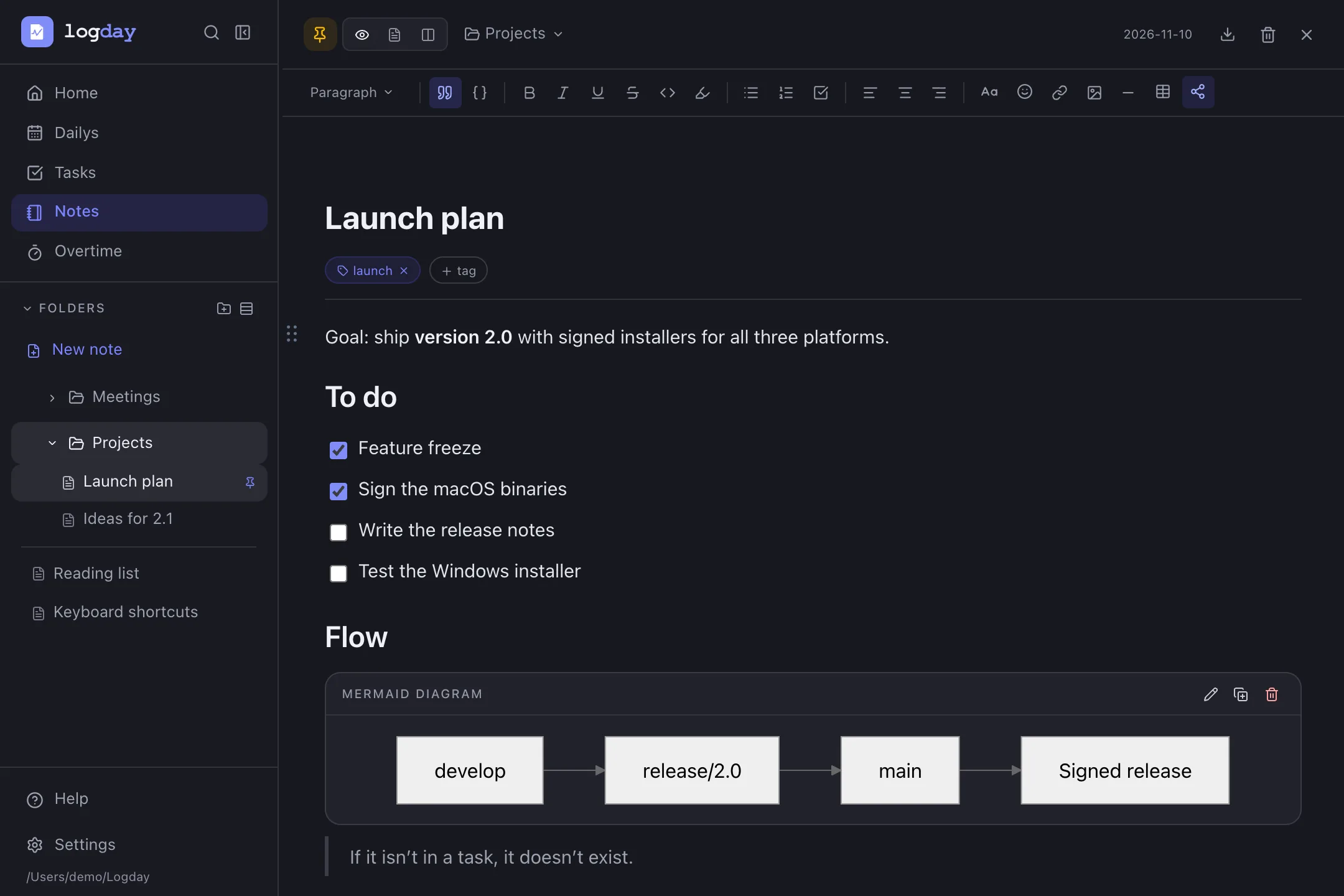
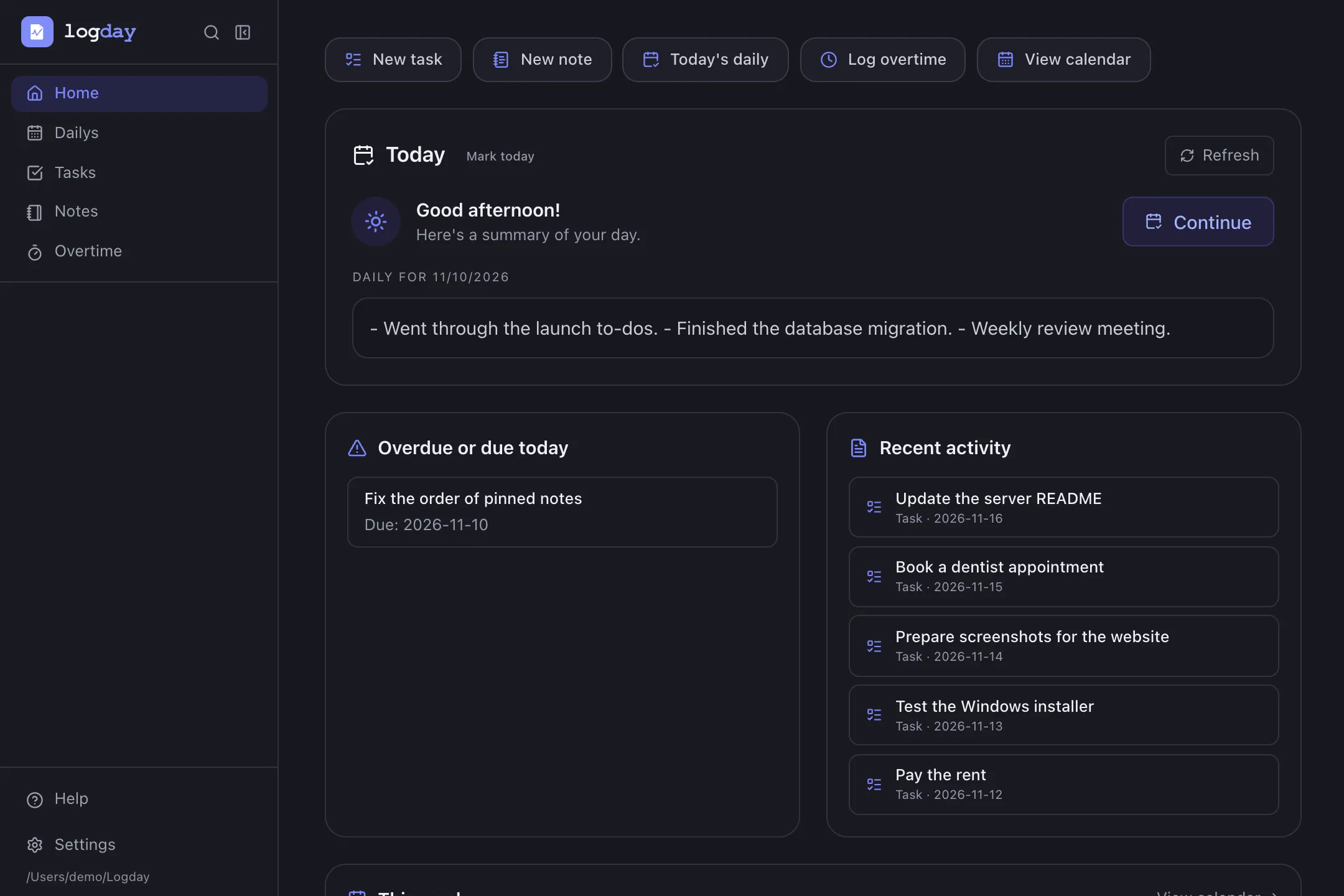
Folders and subfolders, a rich editor, tables, checklists and Mermaid diagrams with a visual editor. Every note is a .md file you can open with any other app.
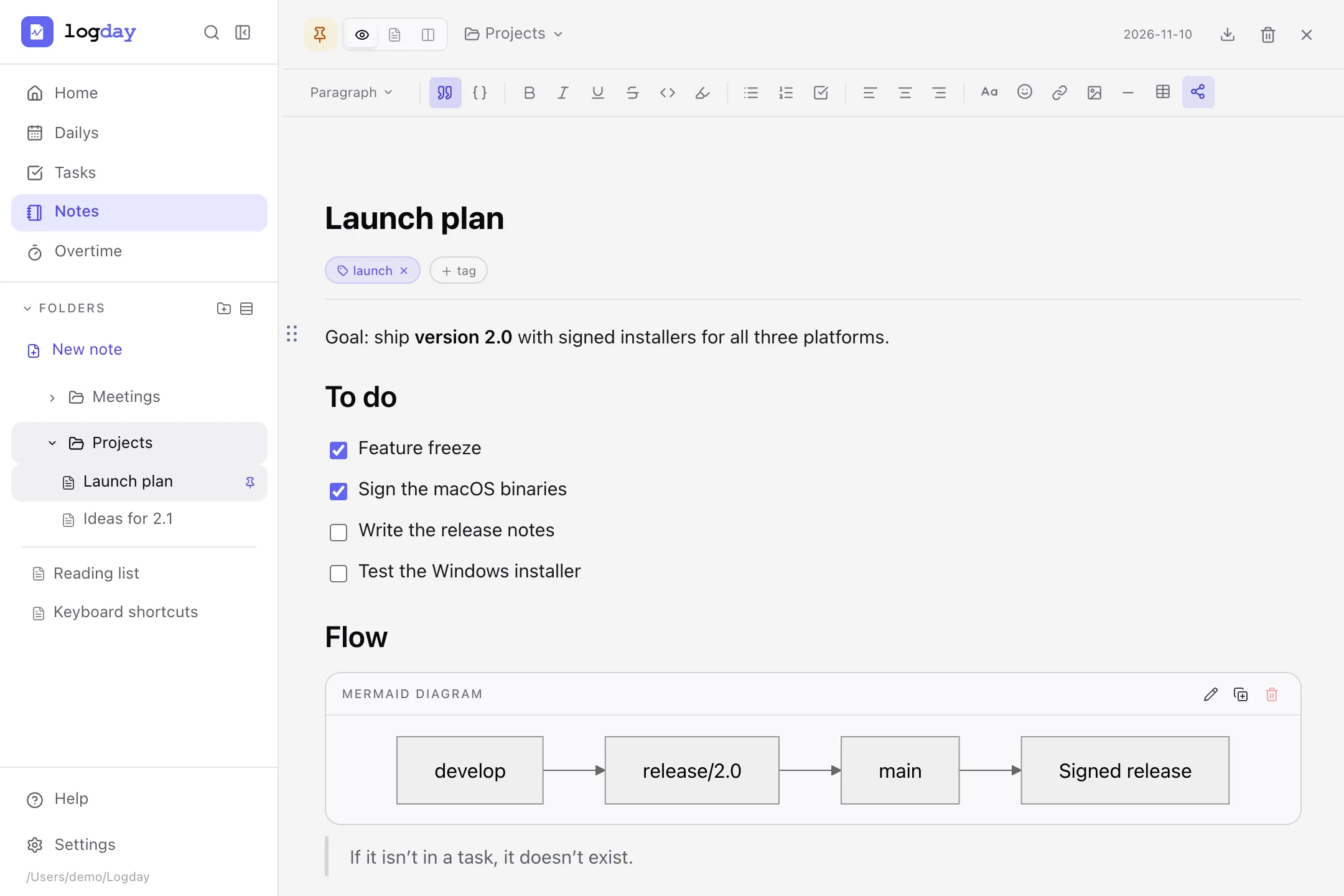
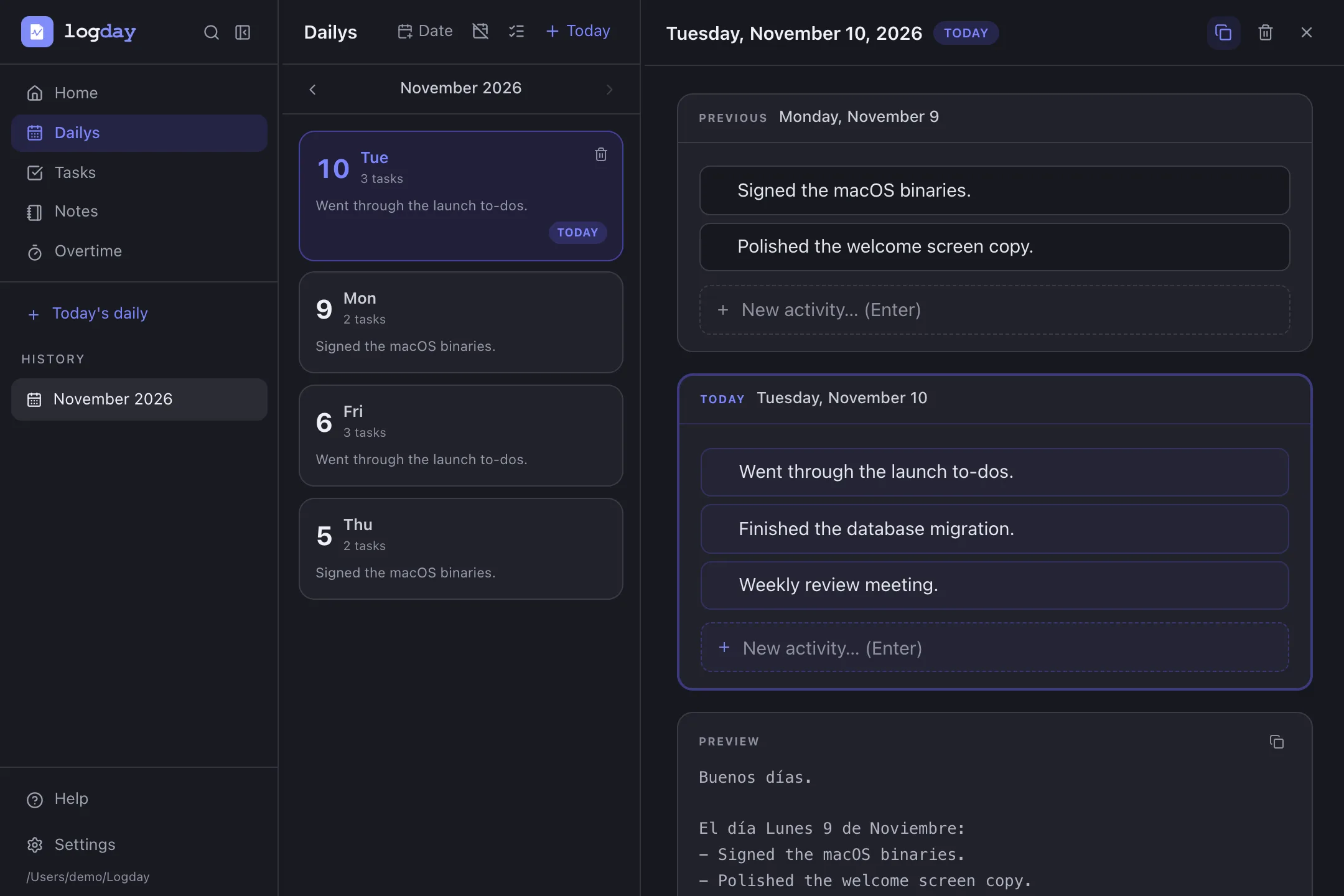
Write down what you did as a list per day, with the previous day in view. Logday builds the stand-up message: copy it in one click, or send it to your team chat.
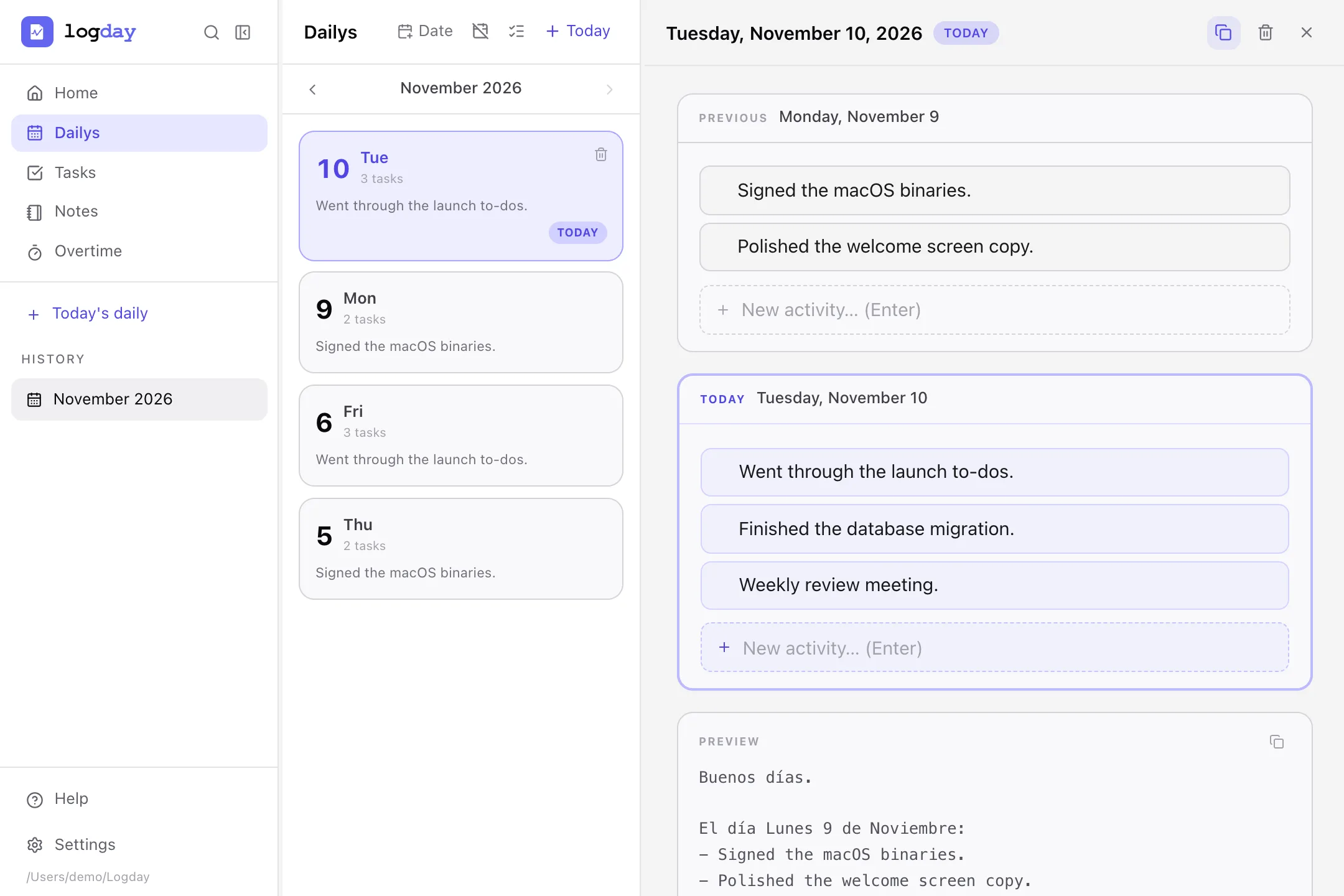
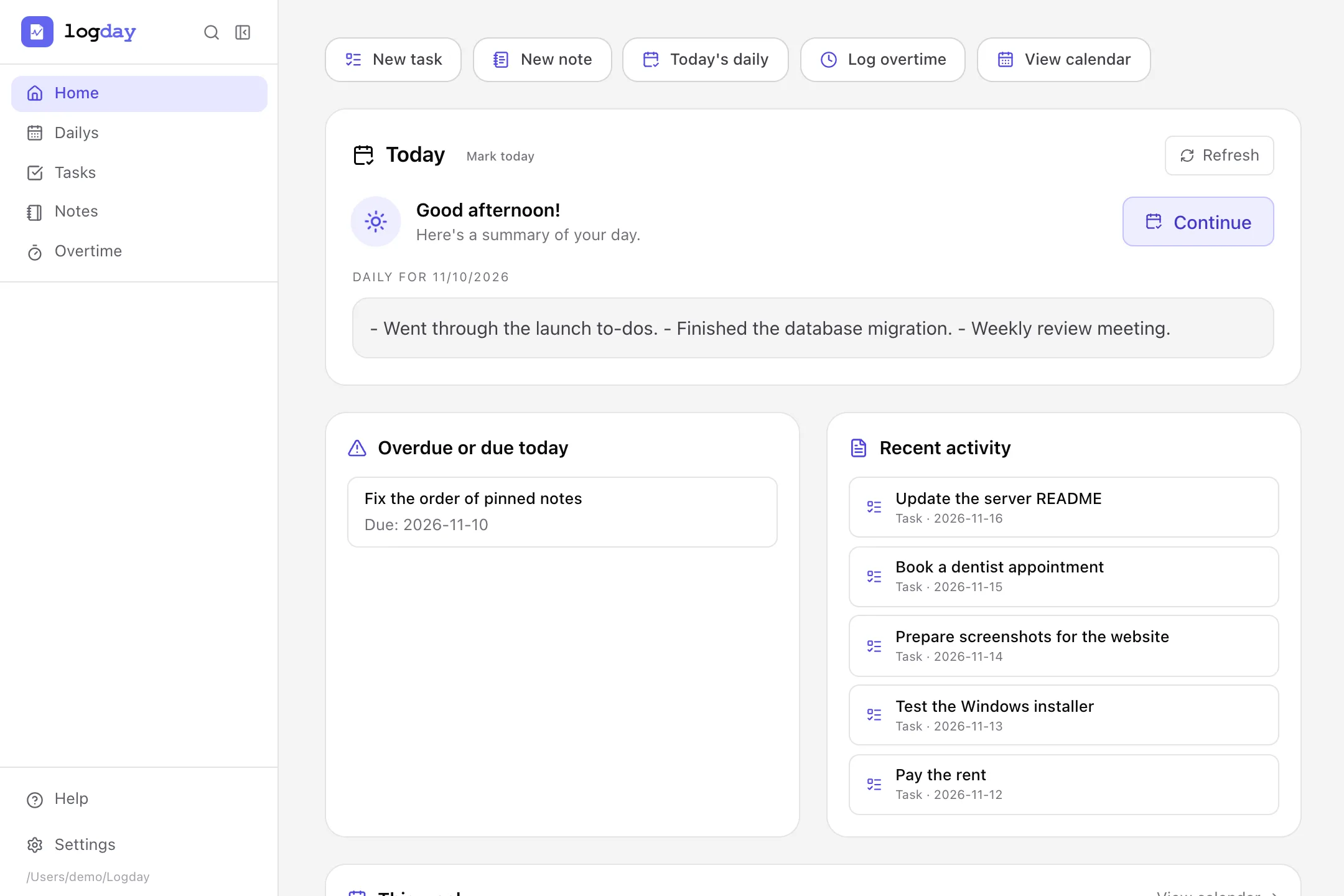
What’s due today, what you touched recently and the week in miniature. You choose which screen the app opens on.
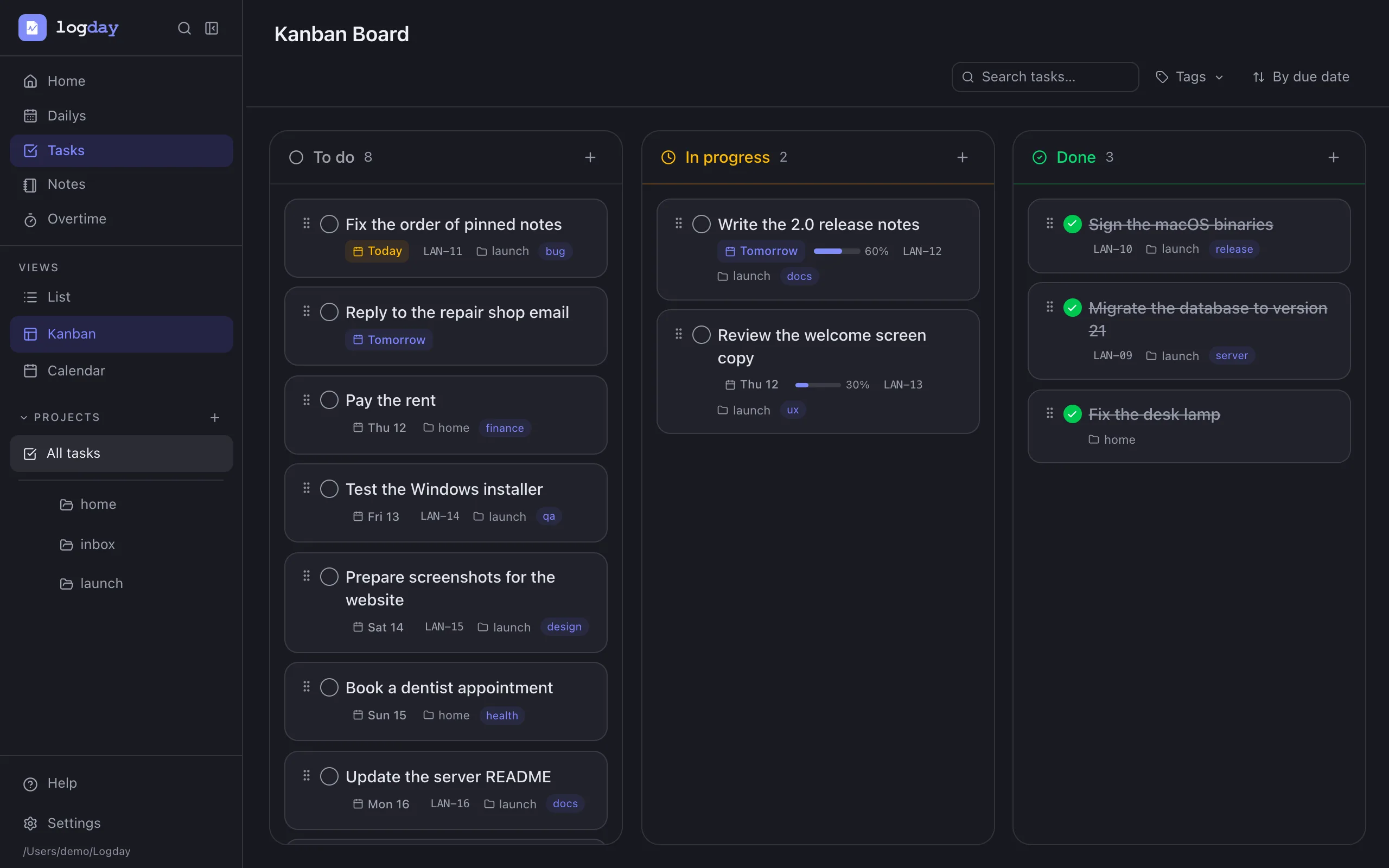
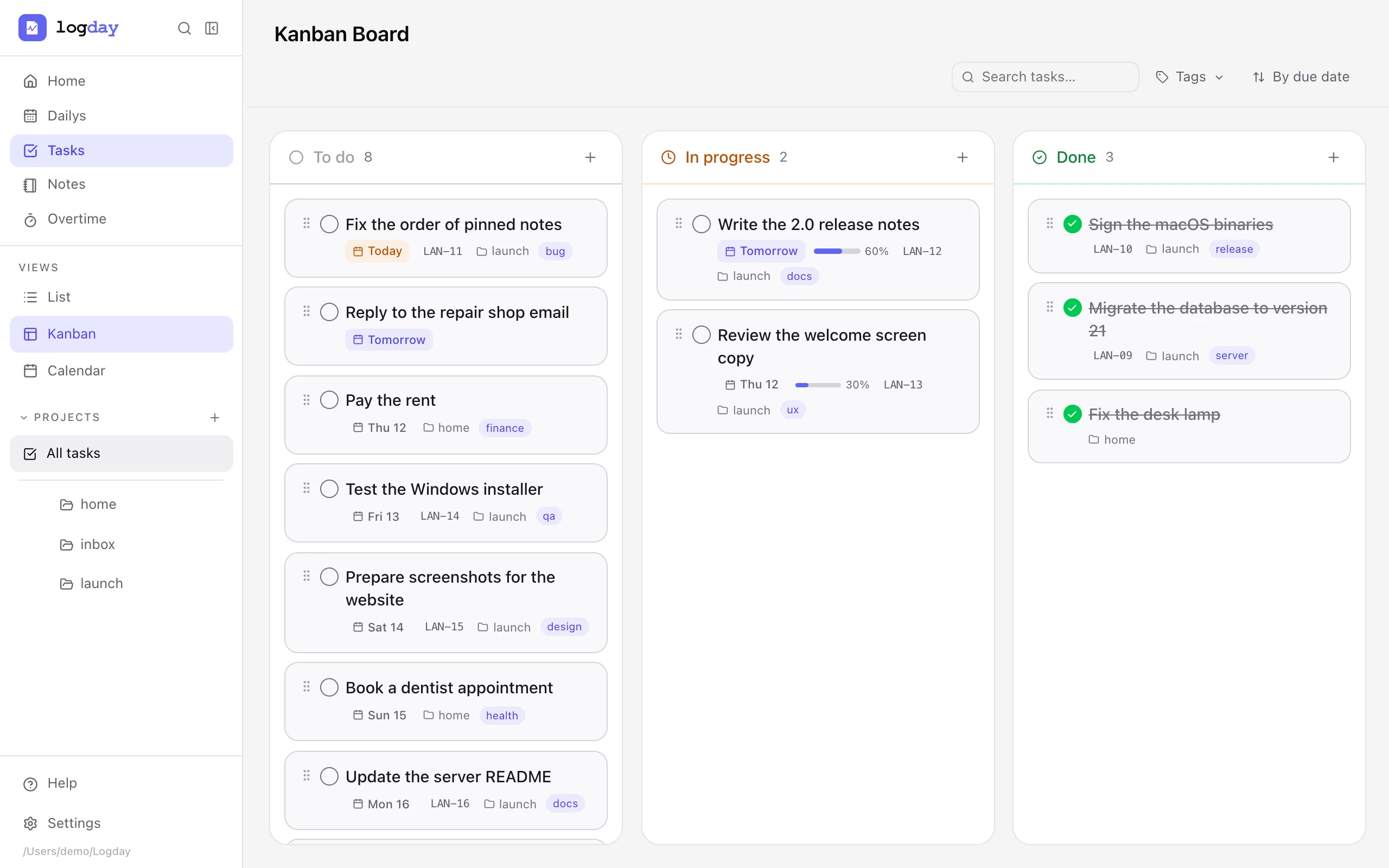
Projects and subprojects, list, Kanban and calendar views, due dates, tags and progress. Quick entry understands #project, @tag and "tomorrow".
Your own events and days off, with Colombian public holidays.
Monthly log, day, night and holiday overtime calculation, and Excel export.
Find tasks, notes and dailies from any screen, with configurable keyboard shortcuts.
Anything you delete can be restored. Automatic purge is optional.
Light, dark, high contrast, visual rest, sepia, OLED and Nord, plus the ones you create.
They ship with the app, turned off. Enable only the ones you use. Their tokens are stored in the system keychain.
The clients share the same data model and the same sync protocol. Use just one, or all of them together.
The most complete app. Built with Tauri, signed, with automatic updates.
DownloadYour data from any browser. Your own server serves it at /app.
Tasks, notes, dailies and overtime on your phone, with the same sync.
View the codeThe sync node you host: a single Go binary, multi-user, with an admin panel.
View the codeThere is no Logday cloud: every person or organization hosts their own server. With Docker it’s a single container.
/appdocker run -d --name logday -p 8080:8080 \
-e JWT_SECRET="$(openssl rand -base64 32)" \
-e DATABASE_PATH=/data/logday.db \
-v logday-data:/data \
ghcr.io/jorgebuitragor/logday-server:latestThen open http://localhost:8080/setup to create the first admin account. For production, put it behind a proxy with HTTPS. Details are in the server README (in Spanish).
Version v1.2.1, released on November 6, 2026. The app lets you know when a new version is out.
Mac with Apple Silicon (M1 or later)
Download .dmg10 MB
Windows 10 or 11, 64-bit
Download installerAlso as .msi
x86_64
Download AppImageYou can use, study, modify and share Logday. If you offer a modified version as a network service, you must publish its source code too. That keeps the software free for the people who use it.
Read the license